On this device
Open your task board in a new tab.
Departments to display
With no selection, all company routines will be displayed.

Preparing your dashboard…
Sign in to manage your team's daily tasks.
Secure access for authorized users only.
Explore routines, the calendar and TV Mode with sample data. Changes stay in this browser. Initial schedule: .
Create your account to invite your team and connect TVs.Your team’s routines, always in view.
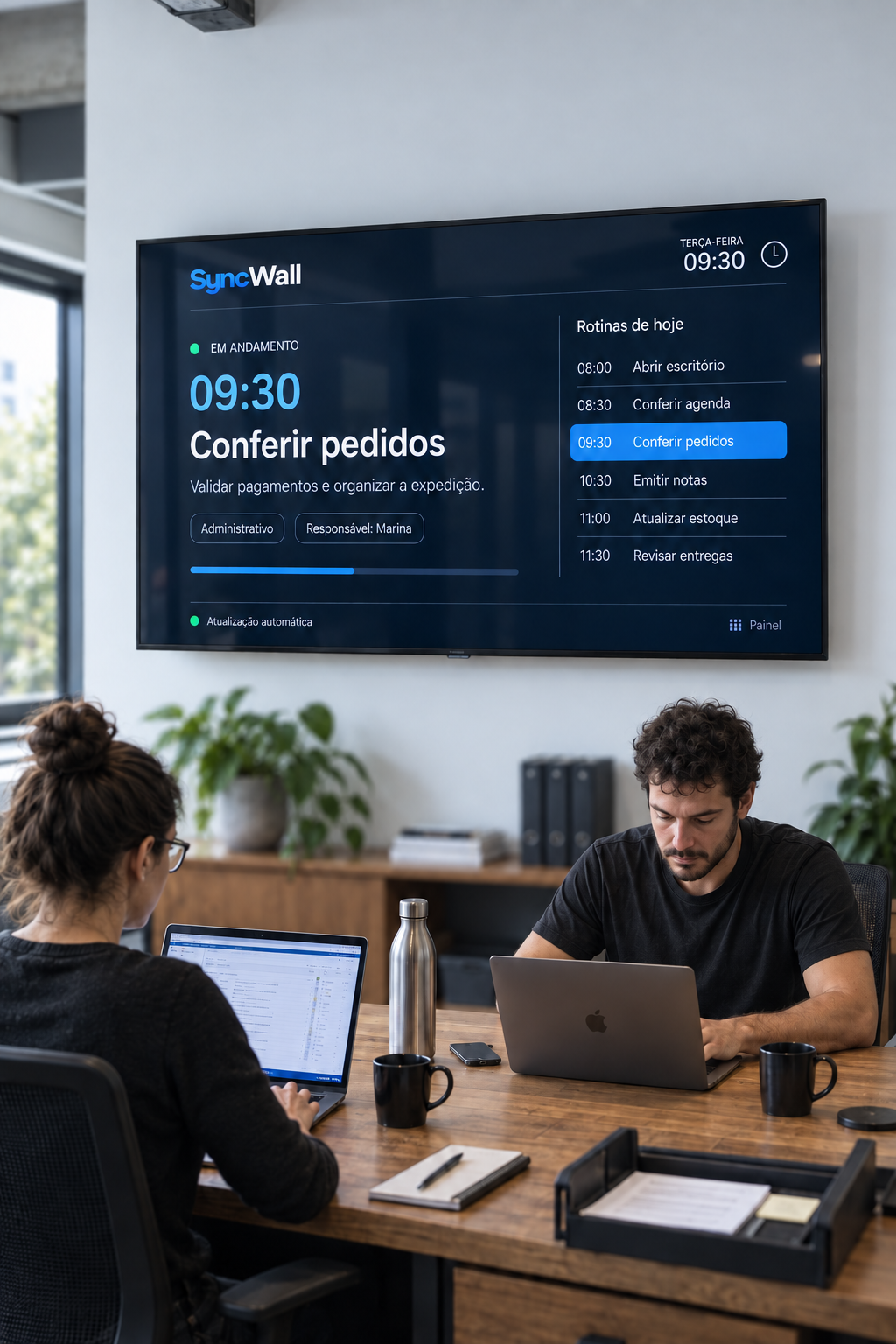
Choose a screen and follow your operations in real time.

Open your task board in a new tab.
Use a TV with a browser or an HDMI cable.
Connect the screen to your computer and extend your desktop. Open TV Mode, move the window to the other screen and enable full screen.
Current month metrics
Daily scheduled and completed tasks.
Task distribution for the period.
Team members' task distribution this month.
Scheduled tasks and their duration throughout the week.
Today
Today's tasks
Standardize onboarding, offboarding and other key company workflows.
Track each process and the next action needed.
Reusable templates that keep your team's work consistent.
Review the steps before using them in your operation.
Manage who can access SyncWall and which areas each person can use.
Customize the brand displayed on your TVs.
Checking user limit...
| Name and email | Role | Status | Permissions | Actions |
|---|
Checking subscription…
Unlock unlimited tasks and invite more people to keep your whole team aligned.
Payment method, receipts and subscription cancellation.
Payments, card updates and cancellation are securely managed by Stripe.
Set up your company to organize tasks, filters and screens.
Add people or teams who can be assigned tasks.
Preferences are saved automatically in this browser.
Choose where to receive alerts for your tasks.
Choose when you want a reminder.
Enable browser alerts to get notifications even when SyncWall is closed.
Scan the QR code with a phone already signed in to SyncWall, or enter the code in Settings > TVs.
Generating a secure code…
Today
--:--Add tasks in the dashboard so the TV automatically shows what needs to happen at each scheduled time.
Define the goal and steps your company will reuse.
Start a separate run to track every step of this case.
Step tracking
Choose which occurrences to delete.
Choose which occurrences to update.
View your company's plan.
Illustrative preview. The TV fits the content to the available space.
Enter the code shown on the TV and choose how it should display tasks.
The TV will lose access immediately and must be paired again to work.